> For the complete documentation index, see [llms.txt](https://docs.gamma.xyz/gamma/llms.txt). Markdown versions of documentation pages are available by appending `.md` to page URLs; this page is available as [Markdown](https://docs.gamma.xyz/gamma/lp-vaults/troubleshooting-help/reset-the-app.md).
# Reset the App
Learn how to fix common errors while using Gamma
## Clear Cache Options
There are several different levels of refreshing in most modern browsers,
Command
Command
Reload
F5 or CRTL + R or ↻
Hard Reload
CRTL + SHIFT + R
Empty Cache
CRTL + SHIFT + DELETE
### Reload
This option is the simplest way to reload your browser. Most have a button on the user interface to do so. This option **will not** delete the cache (stored page data).
### Hard Reload
This is a more aggressive way to reload your browser. This option **will** delete the cache of this particular page and redownload everything. This is a good option for reloading crypto applications after updates, bugs, and more.
### Empty Cache + Hard Reload
This is the most aggressive way to reload your browser. This option will delete the cache of an entire browser and re-download everything. This is a good option if you face systemic errors in browsing multiple sites. Some people advocate doing this routinely, combining it with deleting your history, cookies, and other data.
## Clear Local Web Storage
Sometimes, another form of resetting is needed. In this case, we're going to use the browser's console to clear your local web storage
{% hint style="info" %}
Using Chrome for this demonstration
{% endhint %}
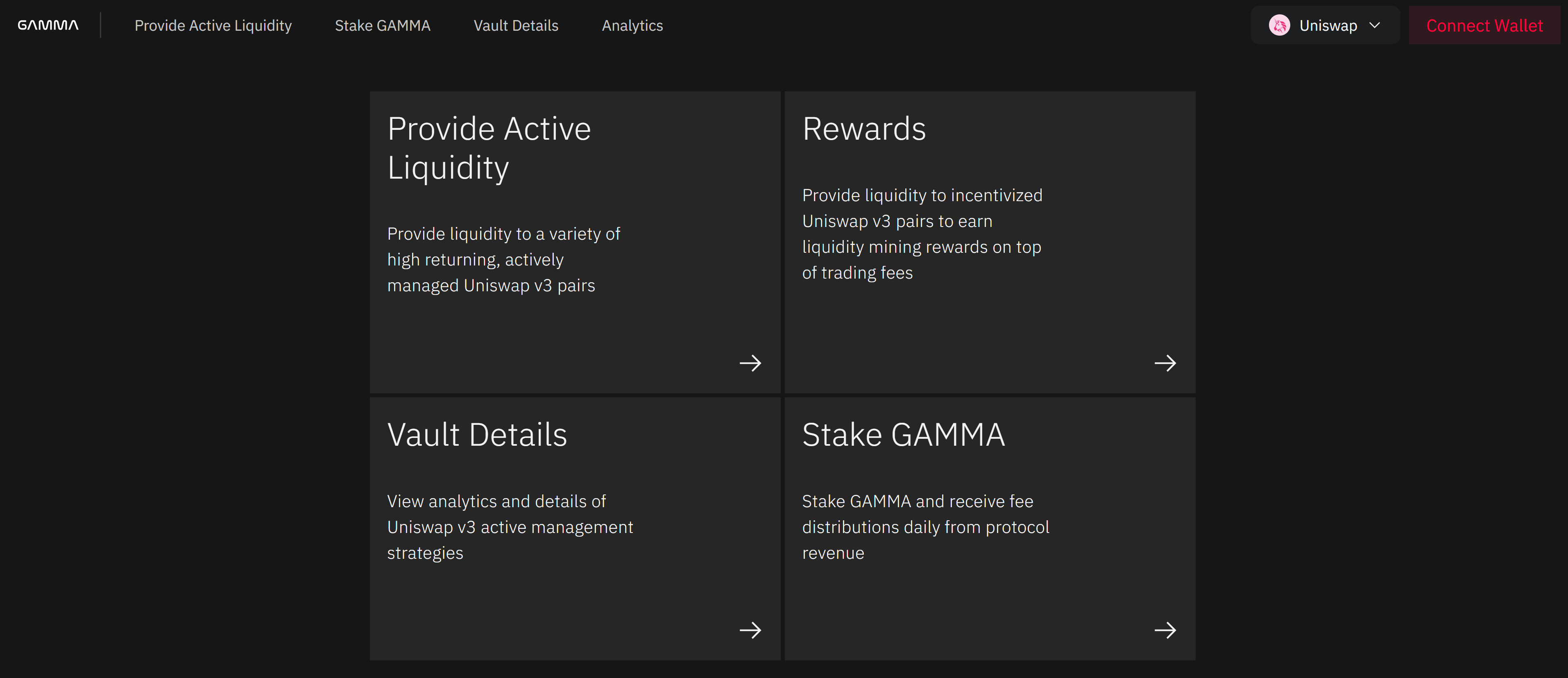
### 1) Open the Gamma App
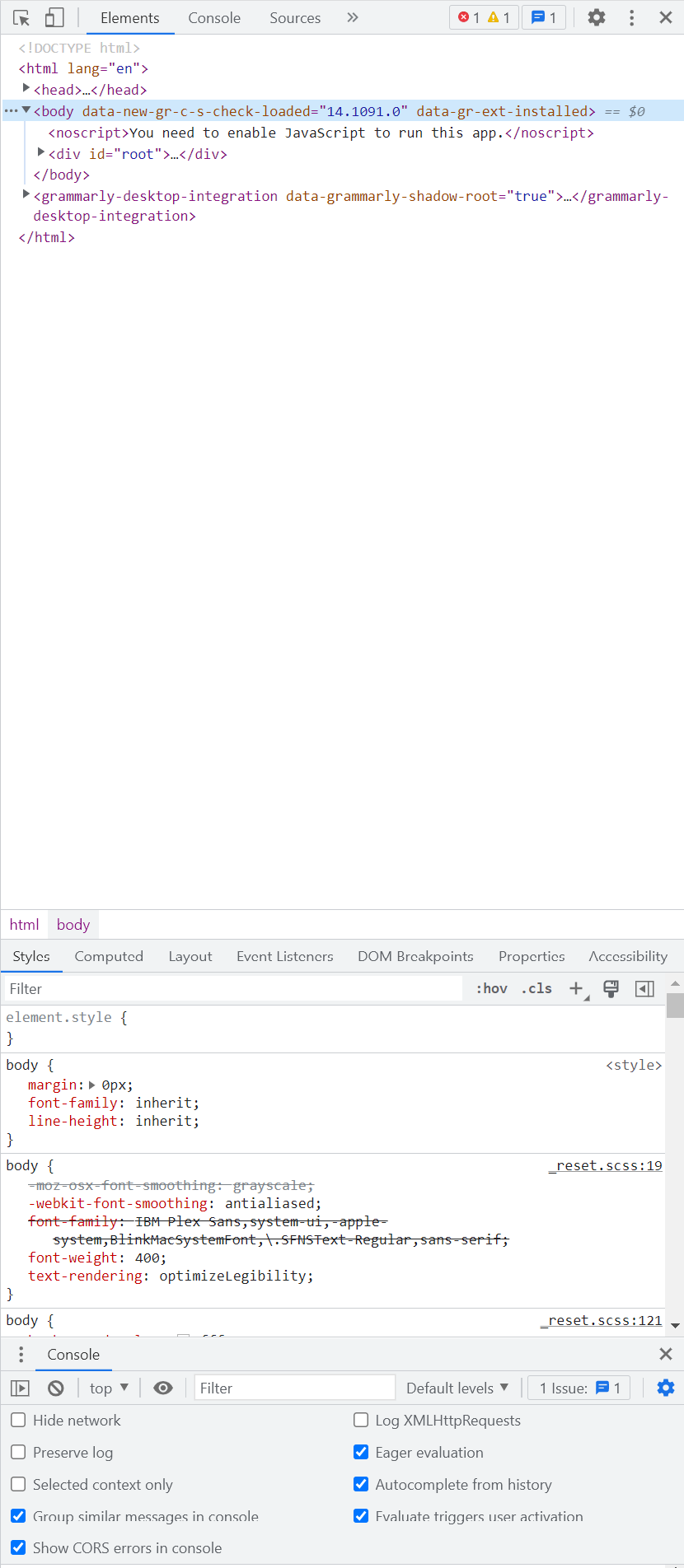
### 2) Press F12 to open your console
Opening the console will open a large internal window on the right. Don't get overwhelmed! This can be a very confusing step. This is HTML code of the webpage. We are interested in the menu at the top.
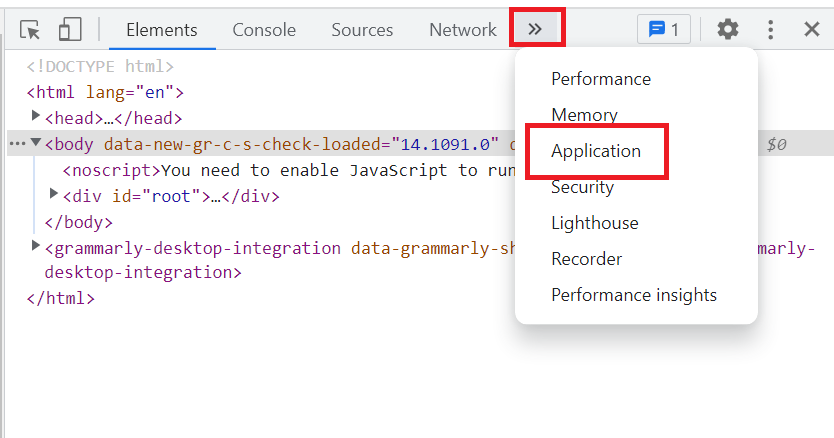
### 3) Select "Application"
From an expansion tab, find the "Application" tab and select it.
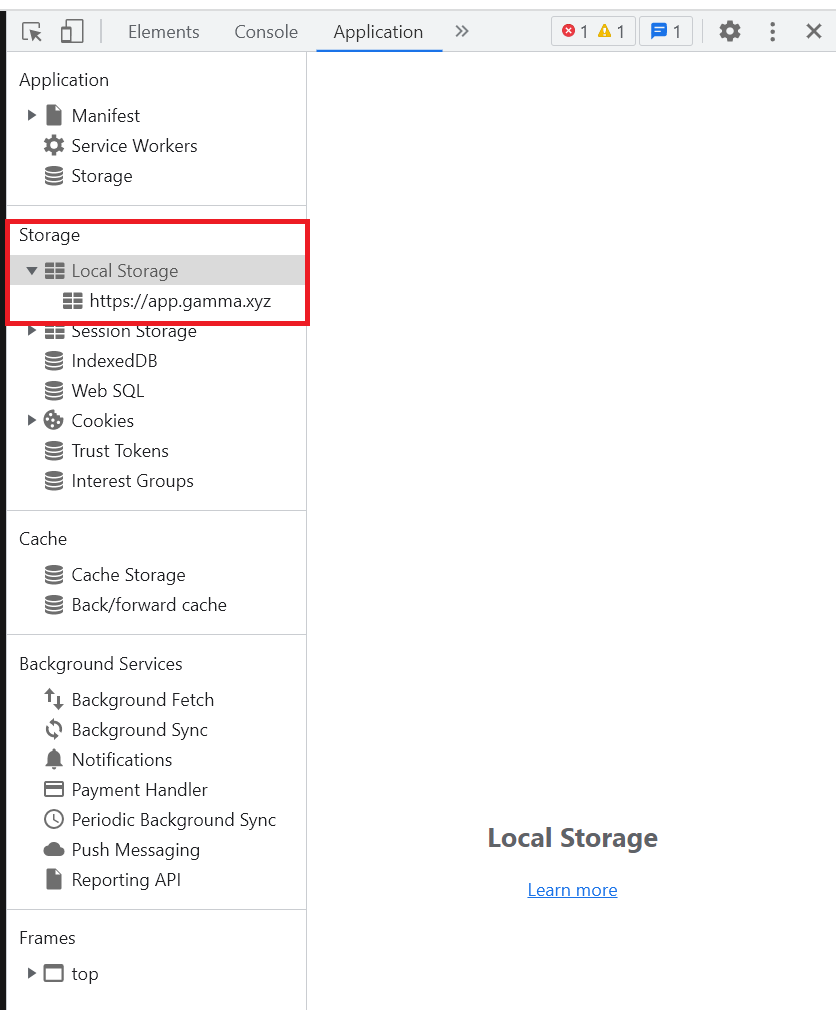
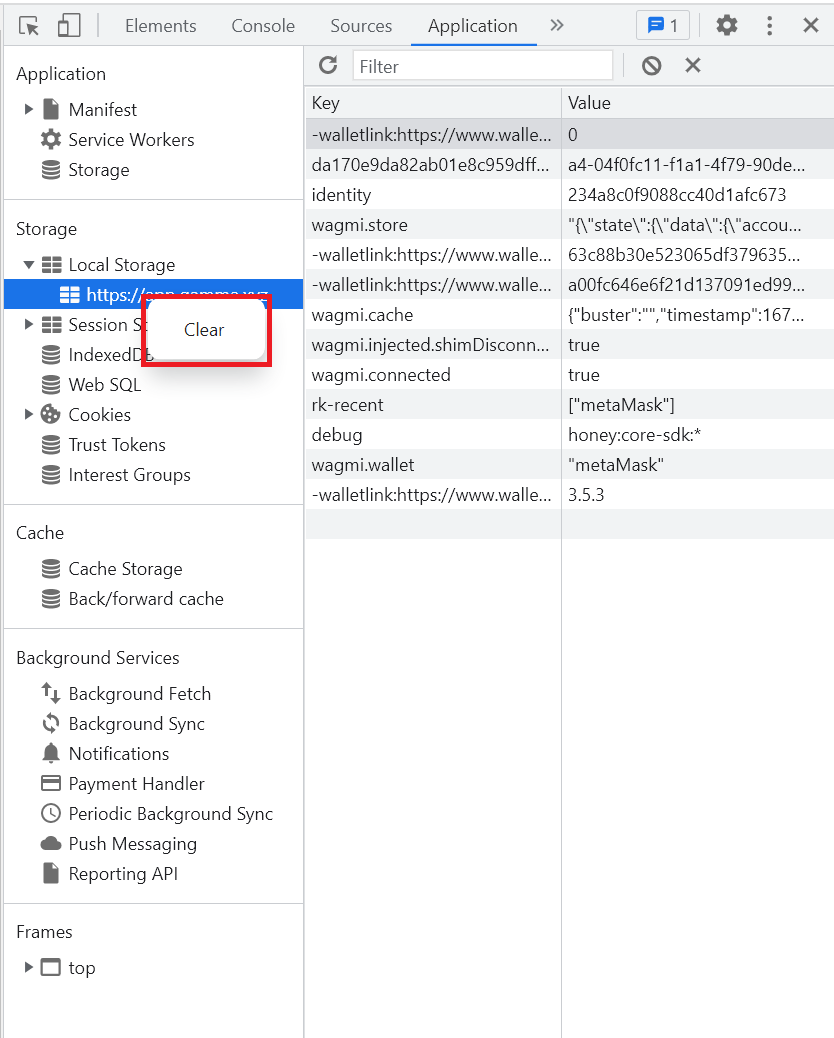
### 4) Right-click on Local Storage
From here, open "Local Storage" and confirm you are on the right application. This can be different if using Uniswap or Quickswap.
### 5) Select "Clear"
Right-click the application and select "Clear". This should clear out any data you already have.
### 6) Return
Close the console by pressing F12 and return to the Gamma App. Hopefully, your error should be fixed.